![[TUTO] – How to change the language of your compilation – English Version.](https://dreamcastfrench.com/wp-content/uploads/2026/07/grok-image-eb3ba094-631f-4a7c-bc01-887eaabf8276.jpg)
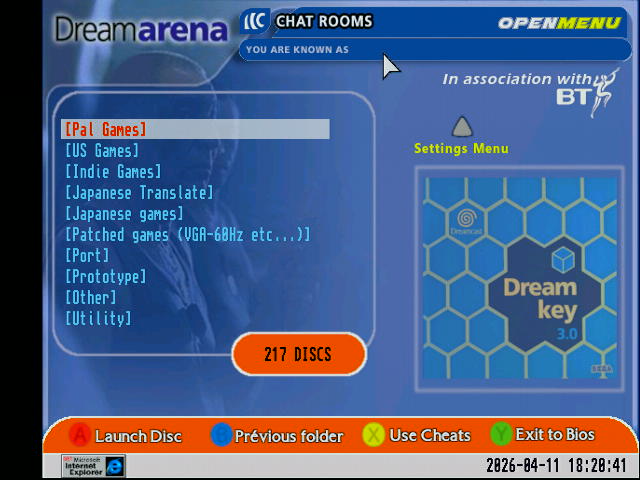
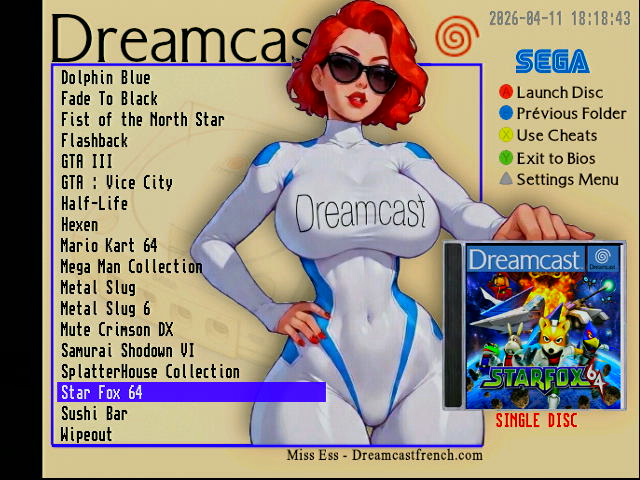
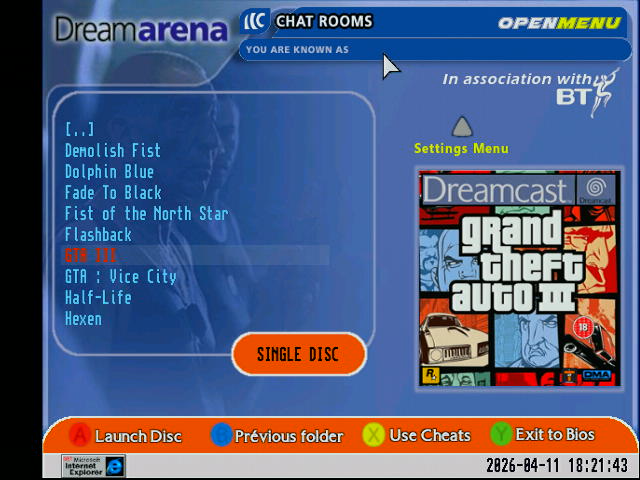
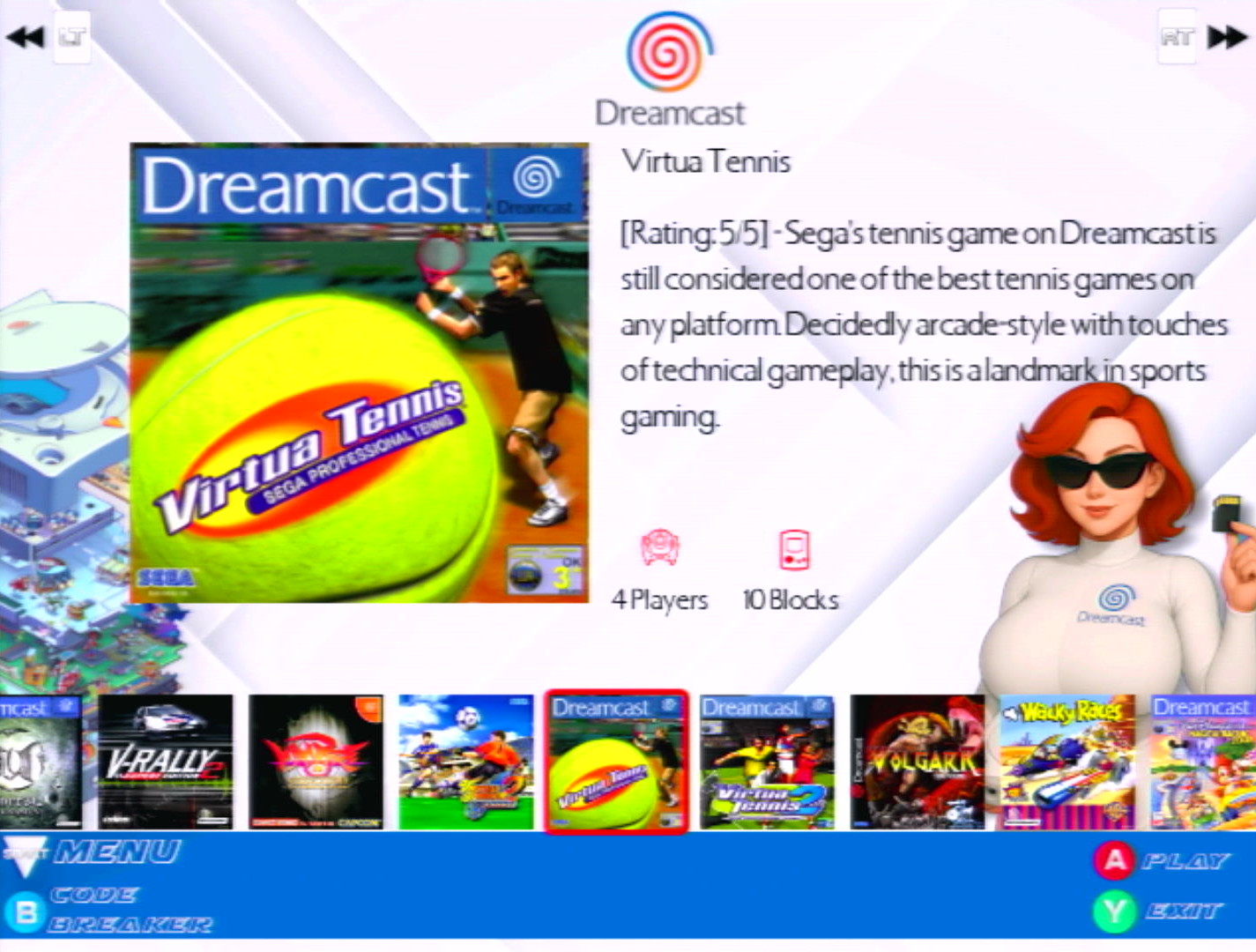
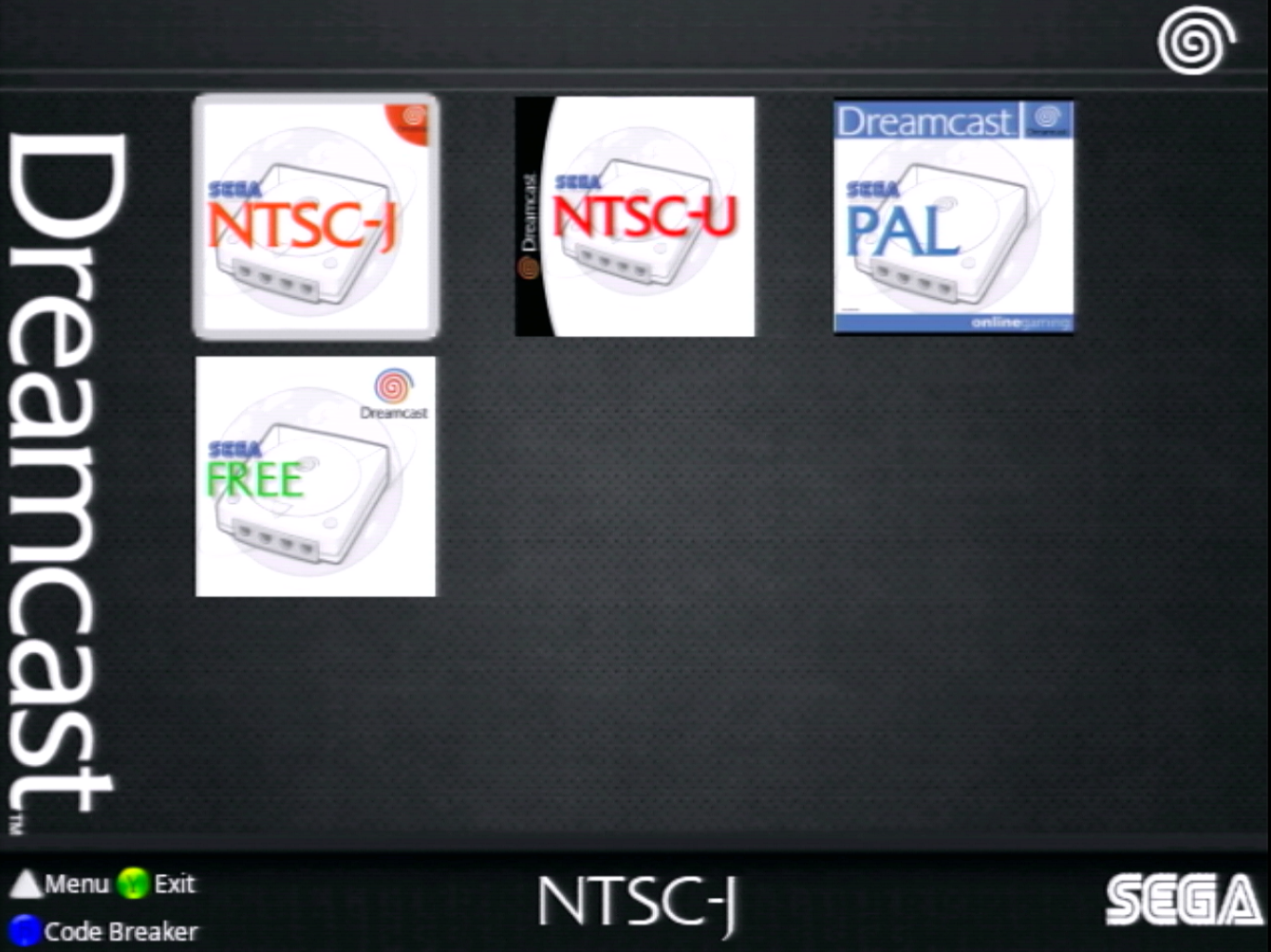
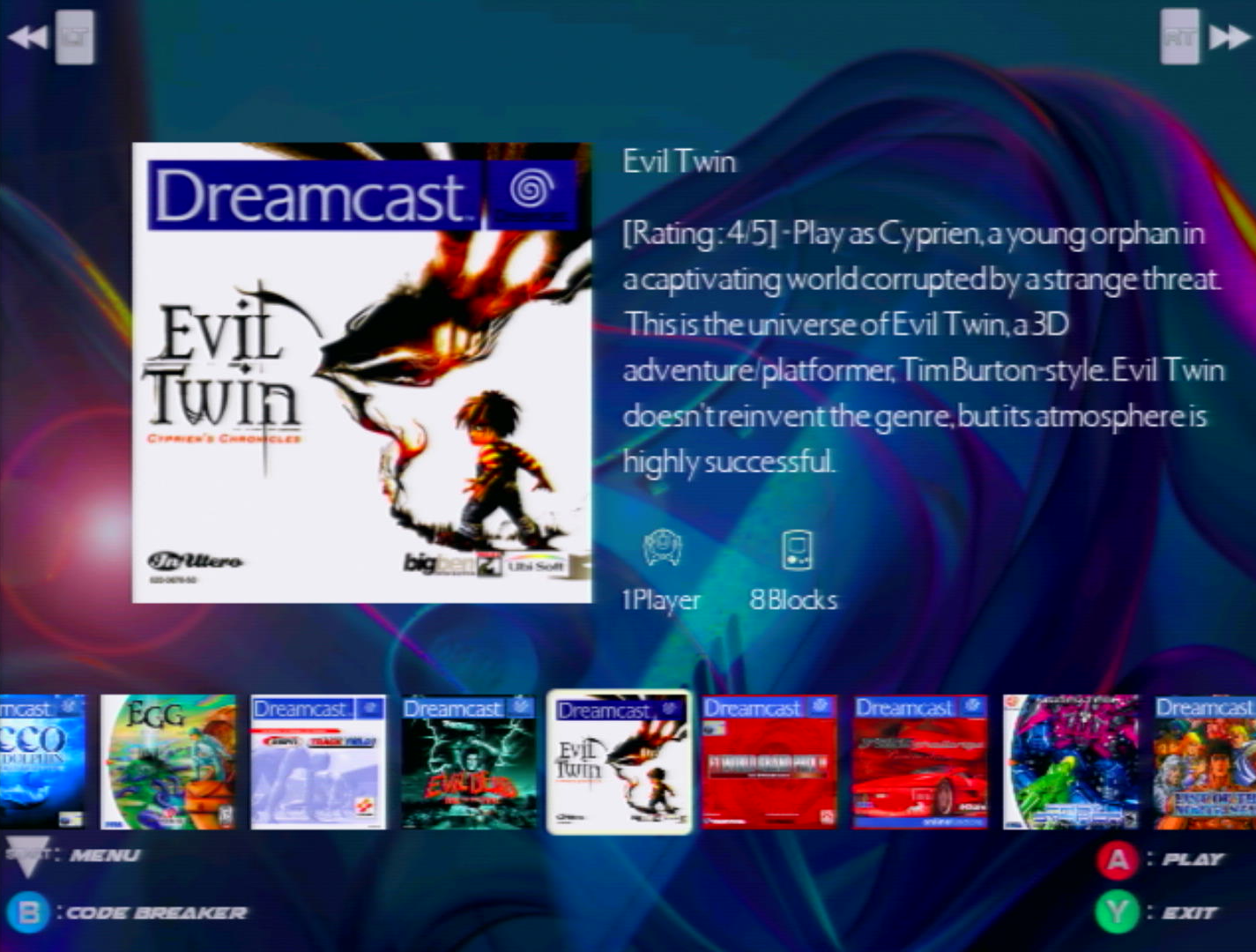
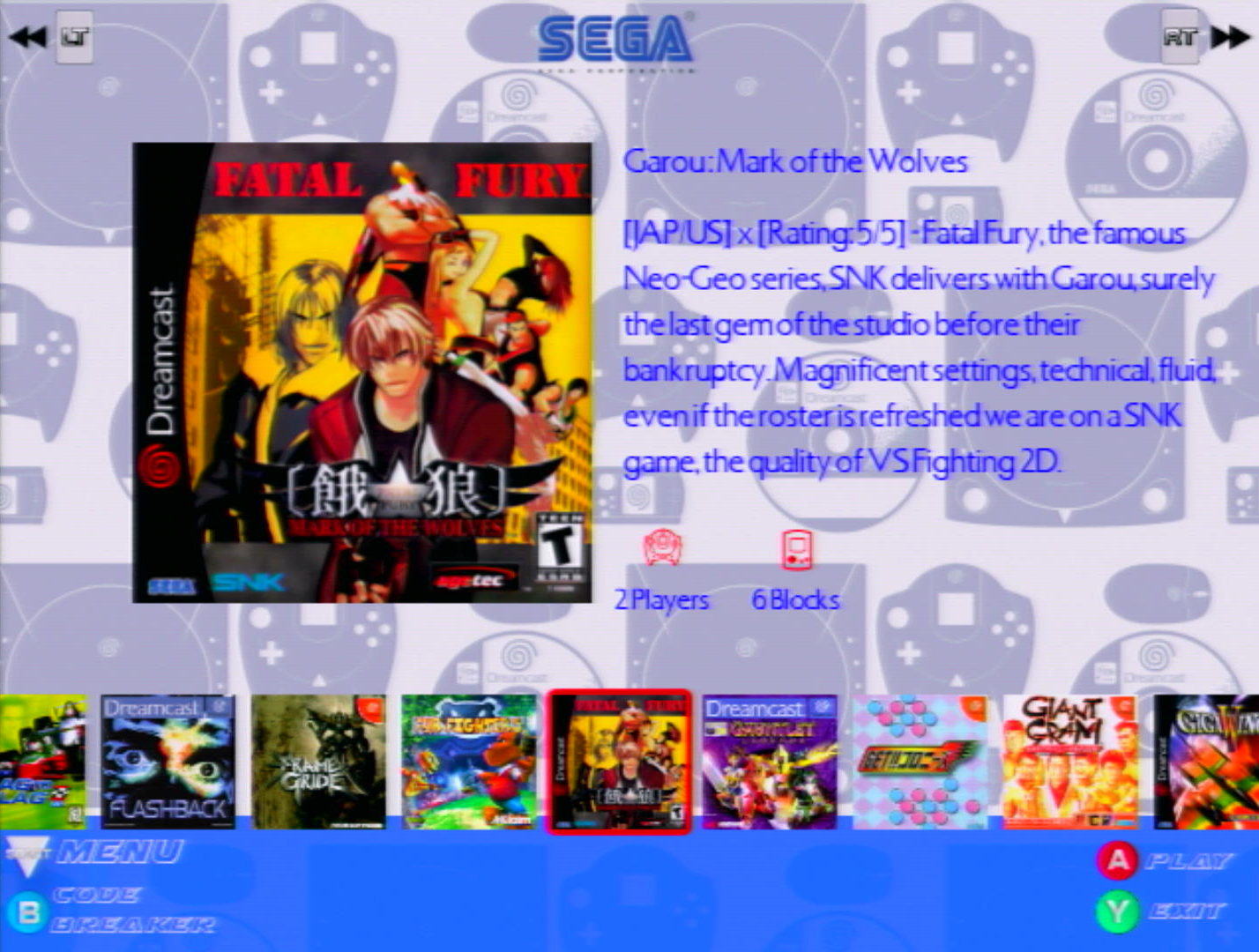
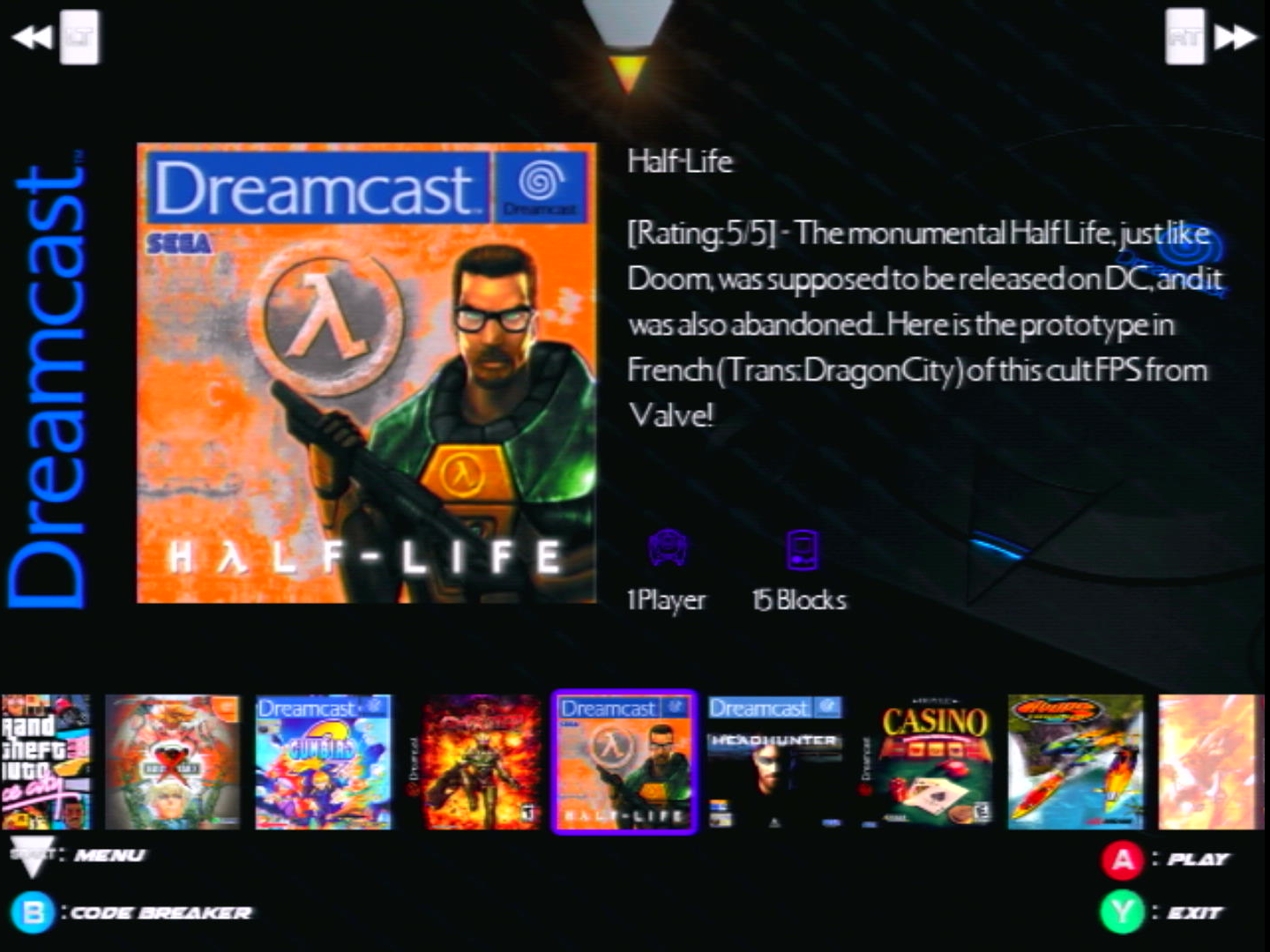
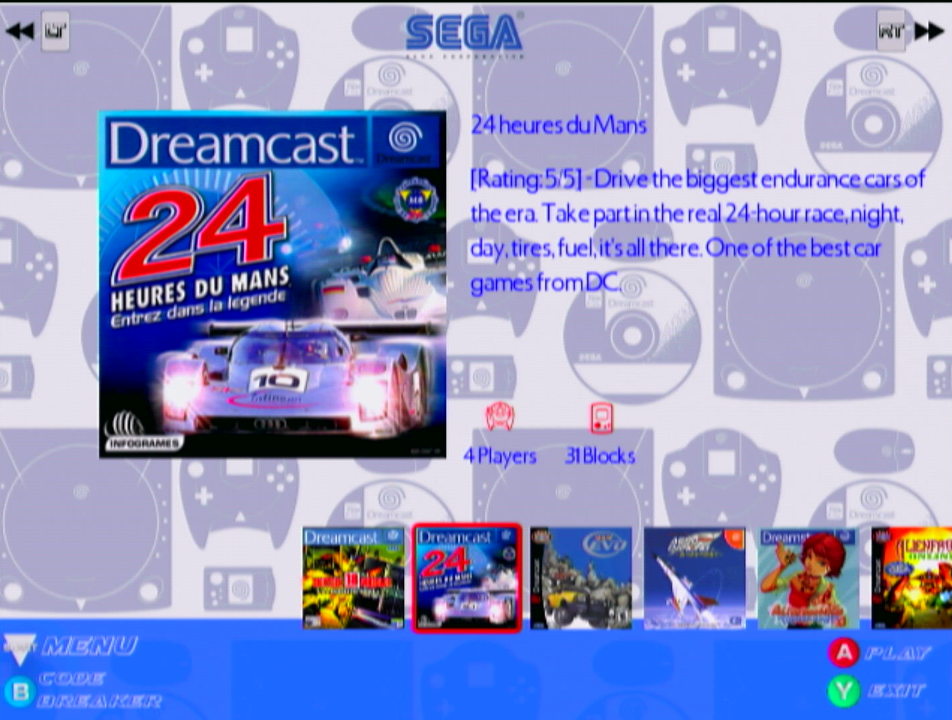
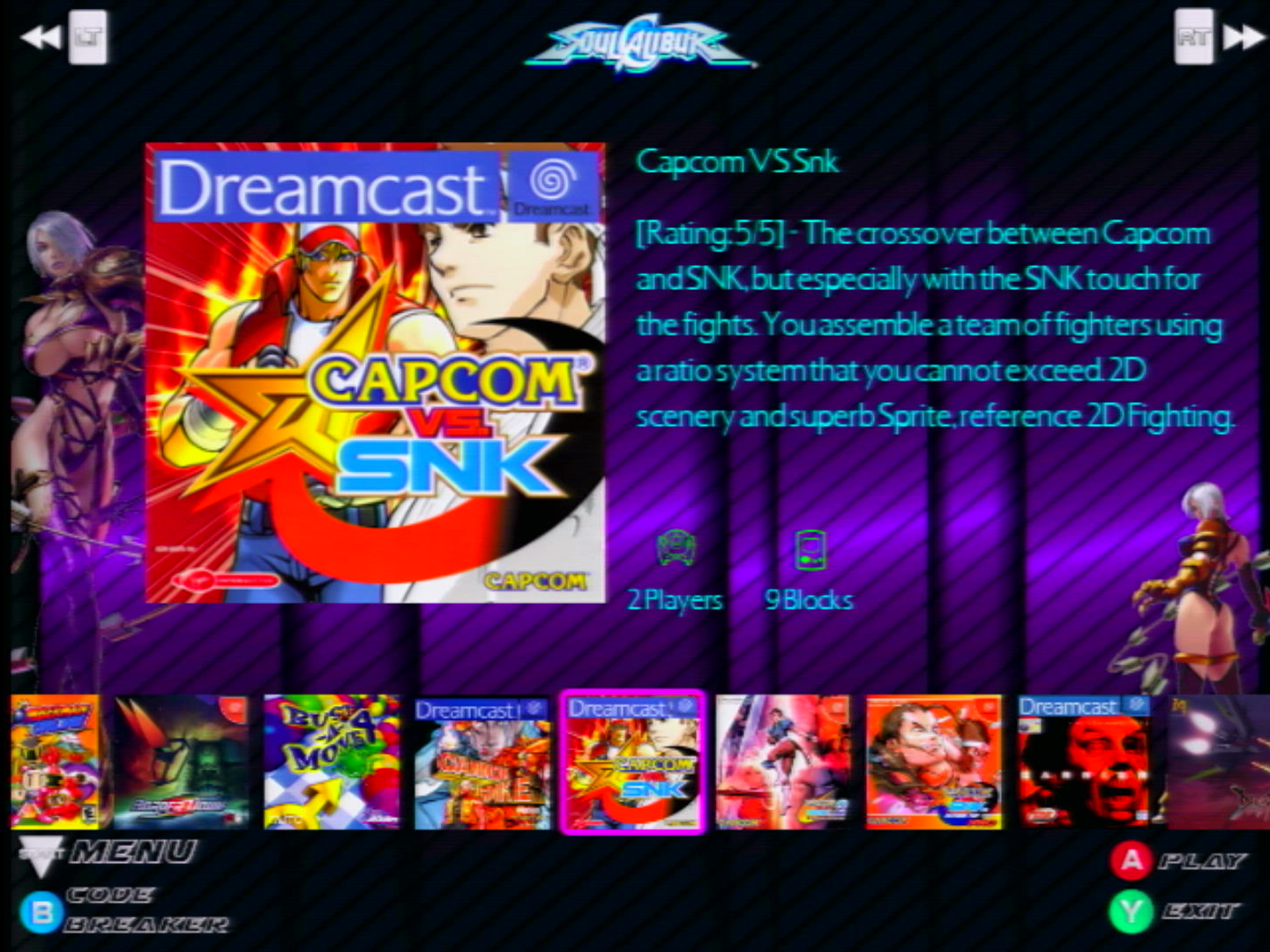
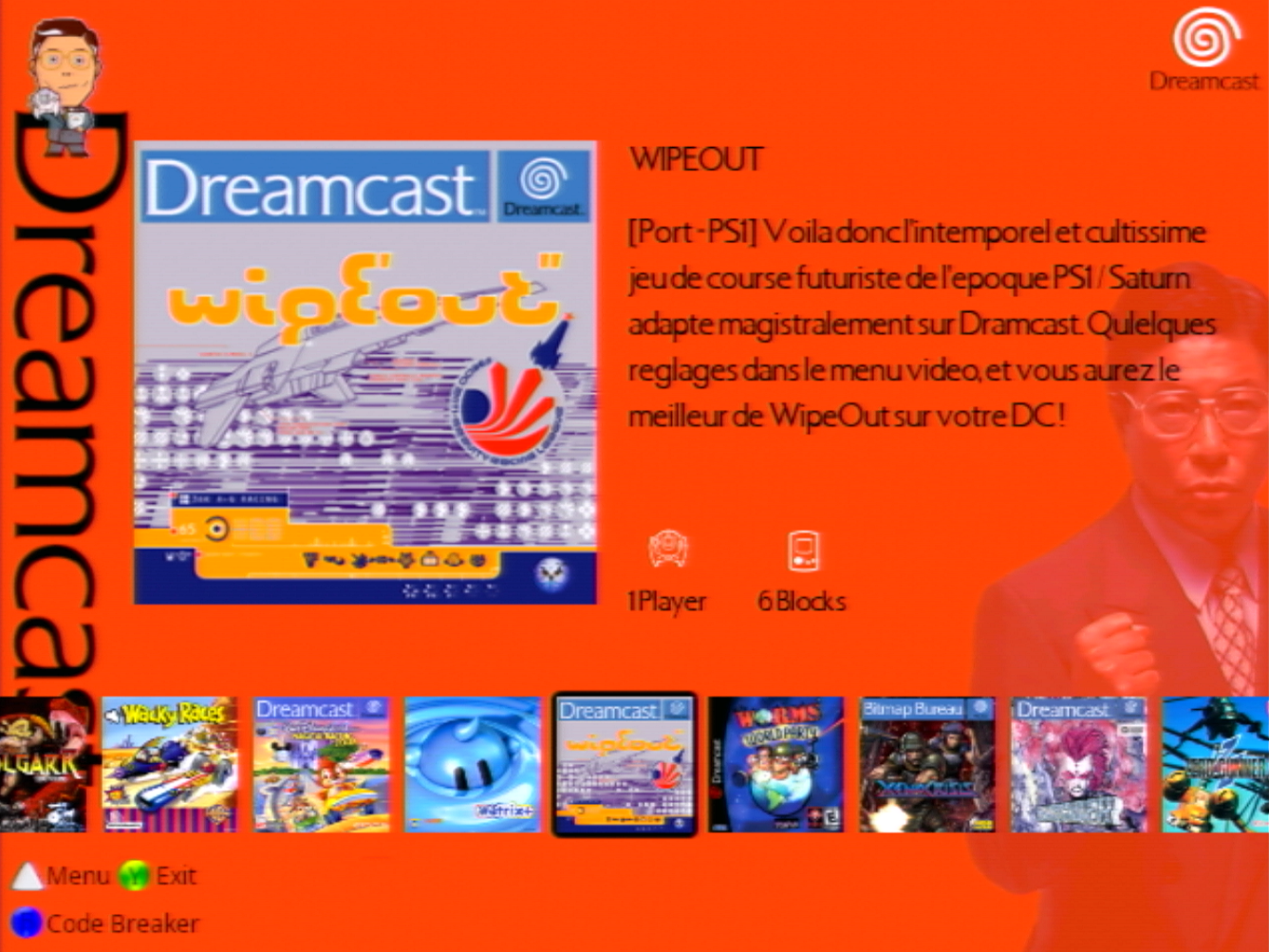
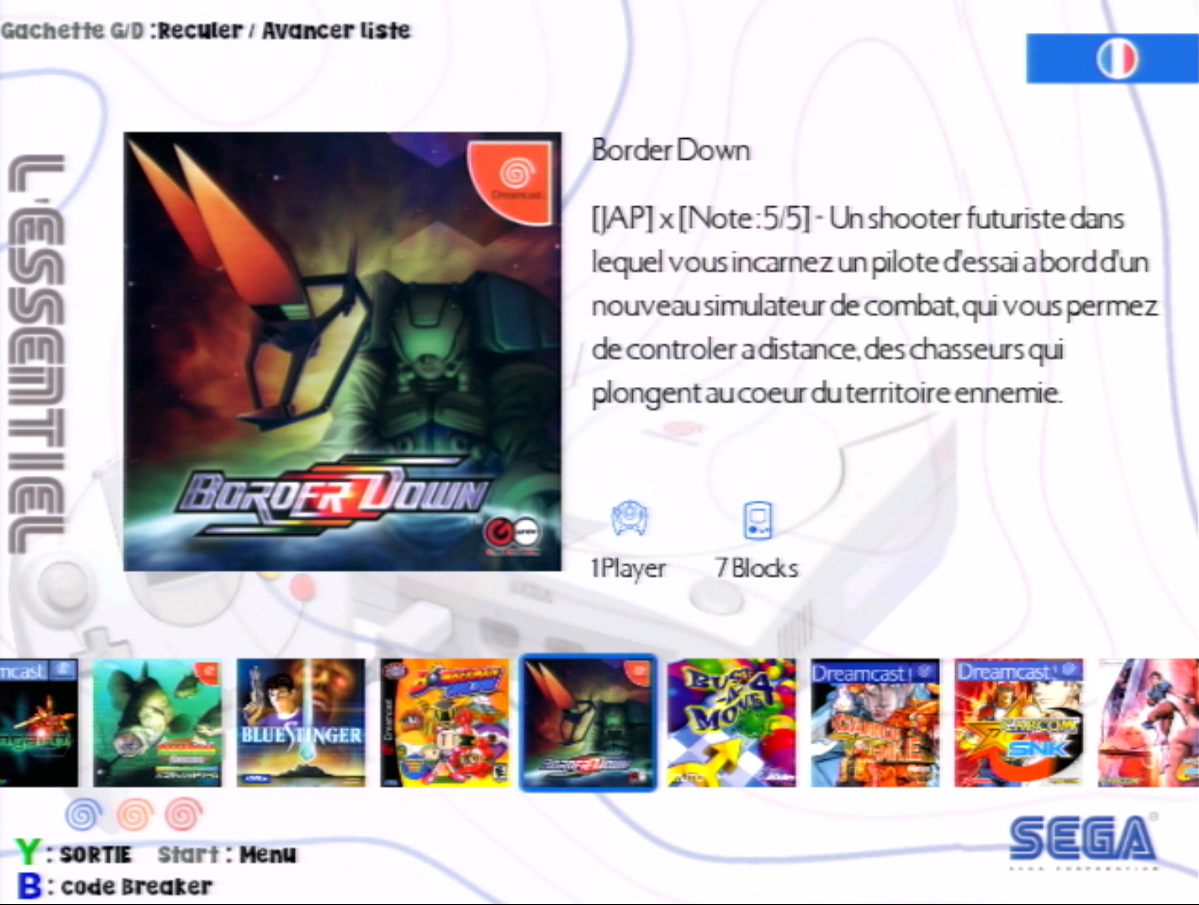
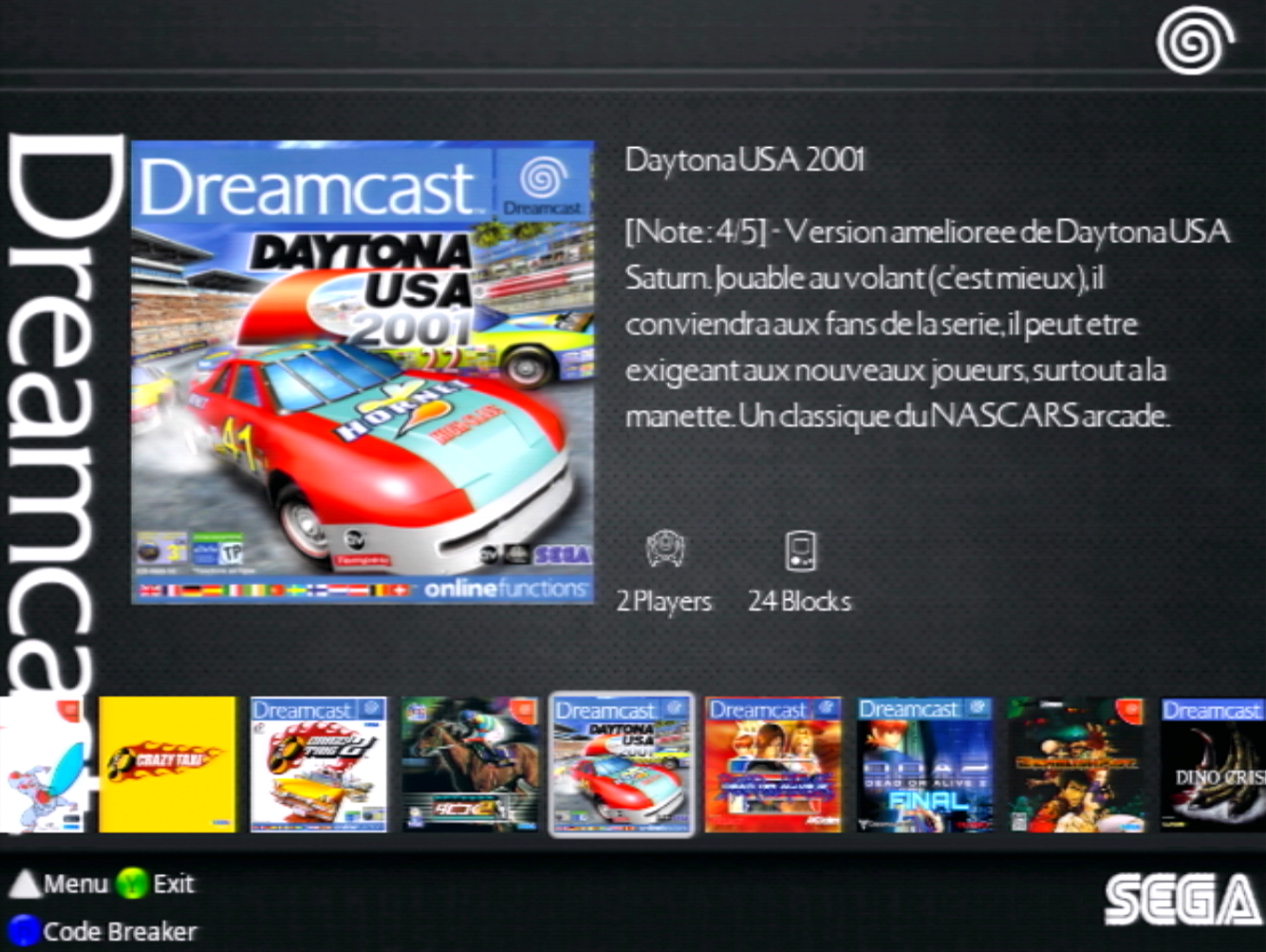
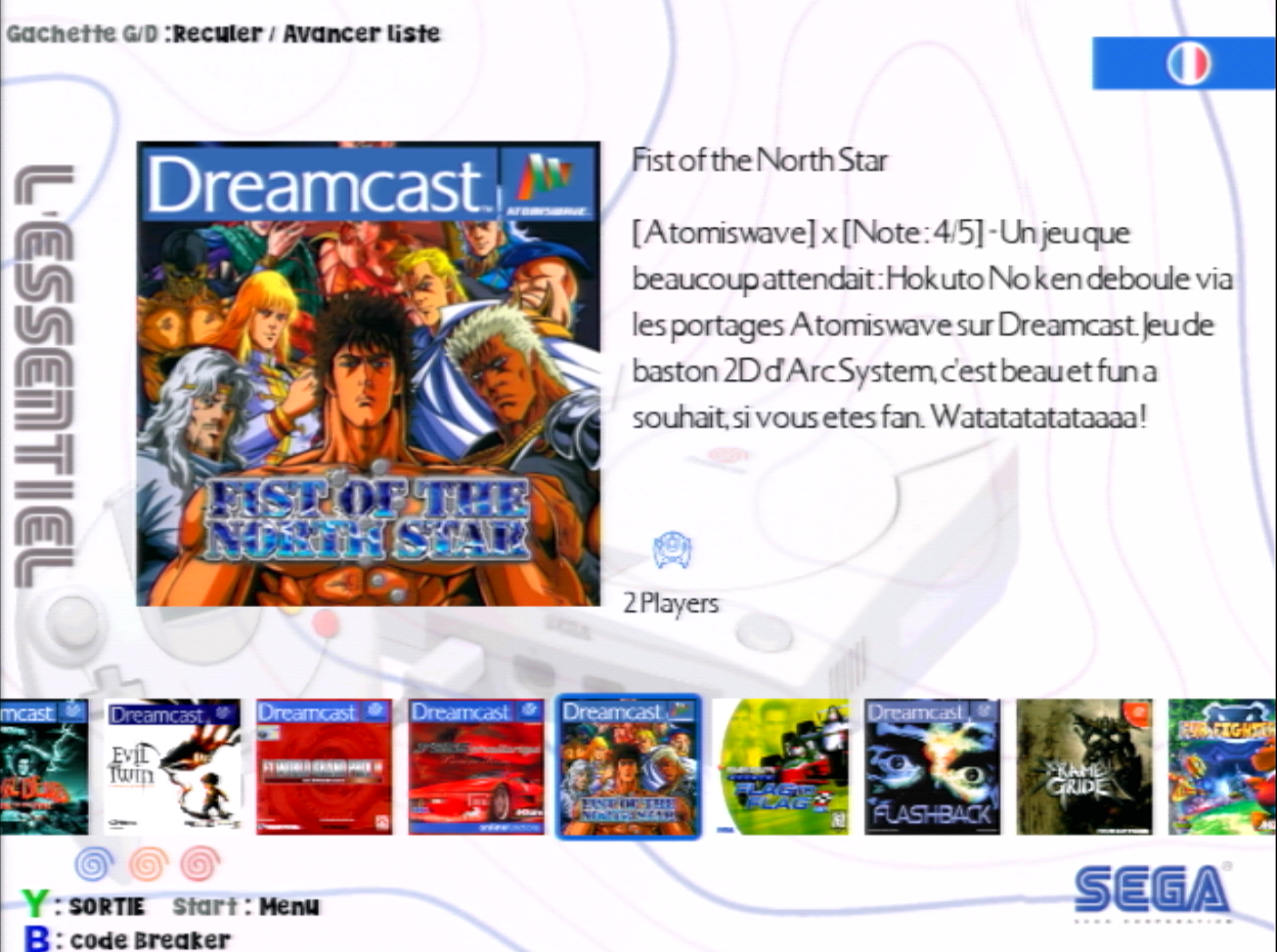
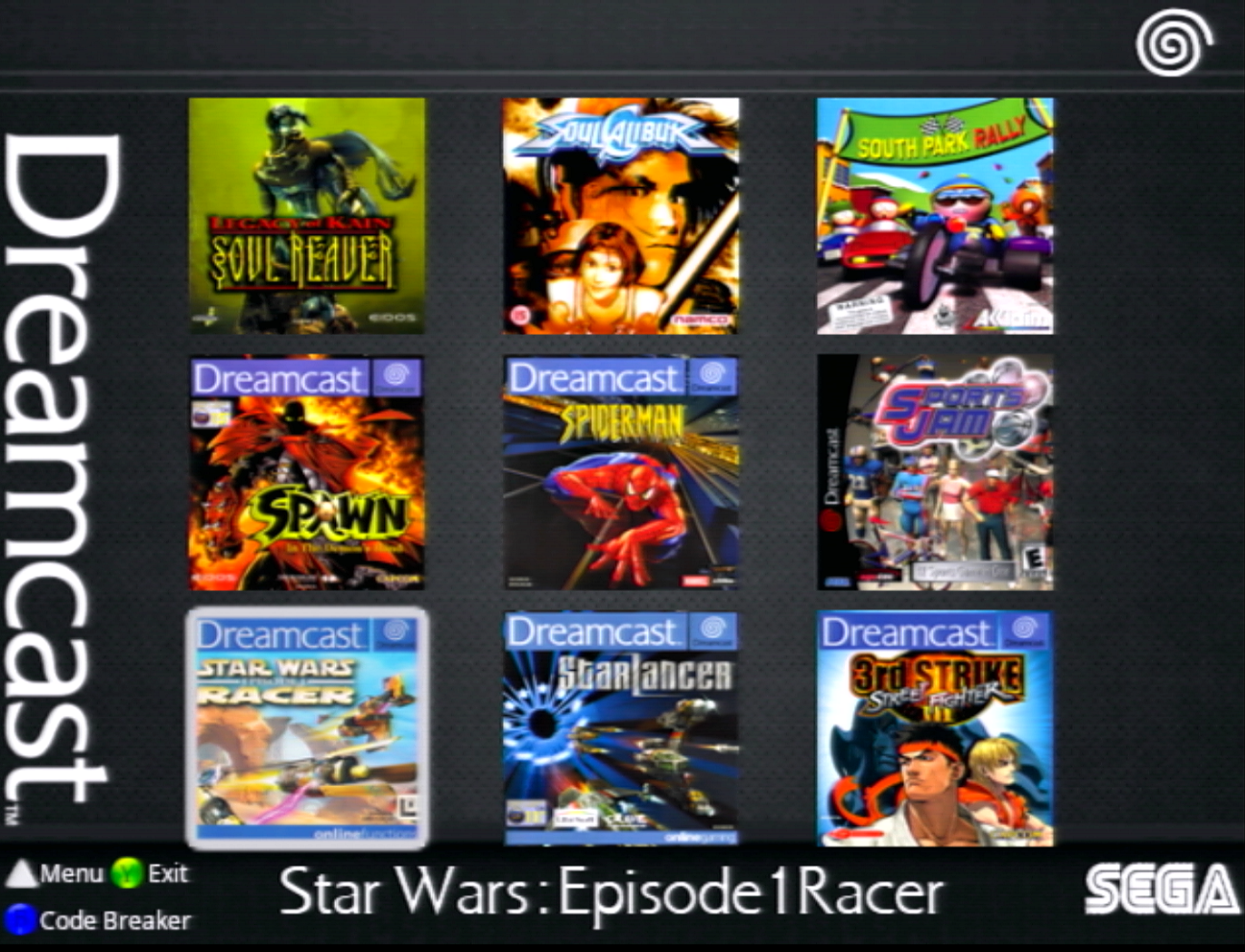
With the announcement of the final version of the BIG SET earlier this week, I once again received several questions regarding changing the language of the text in the Line Desc theme. Rest assured, it’s all quite simple, but I think a quick refresher course is in order.
Step 1 – You’ve extracted your zipped folder, which you downloaded from Archive.org after a long wait—well done, you were patient! You now have a large folder with 466 subfolders. As a reminder, each folder corresponds to a game. Only folder 01 (the first one) is specifically for the operation of OpenMenu on your Gdemu system.

At this stage, go to the end of all these folders and you will find a final, unnumbered folder titled « Language change_folder 01 ». This is where the changes take place.

Step 2: You open this folder and you’ll find two things: a specific folder with the French and English language packs, and a small text file, which also explains what to do. But apparently, nobody opens it, haha…
The process is then simple. If you want to set the text to French, go to the « [FR]_01 » folder, then to the « 01 » folder (photo 1). Inside, you’ll logically find all the contents of the 01 folder (photo 2). If you want to change the text of your Theme « Line Desc » to English, you will need to go to the « [ENG]_01 » folder. We will use this as an example if we wanted to change the language to French.

Inside, select everything with Ctrl-A, then copy with Ctrl-C.

From there, you go back to the main list of games, to the root of the folder actually. Here, you go to the first folder, 01, and inside you press Ctrl-V.


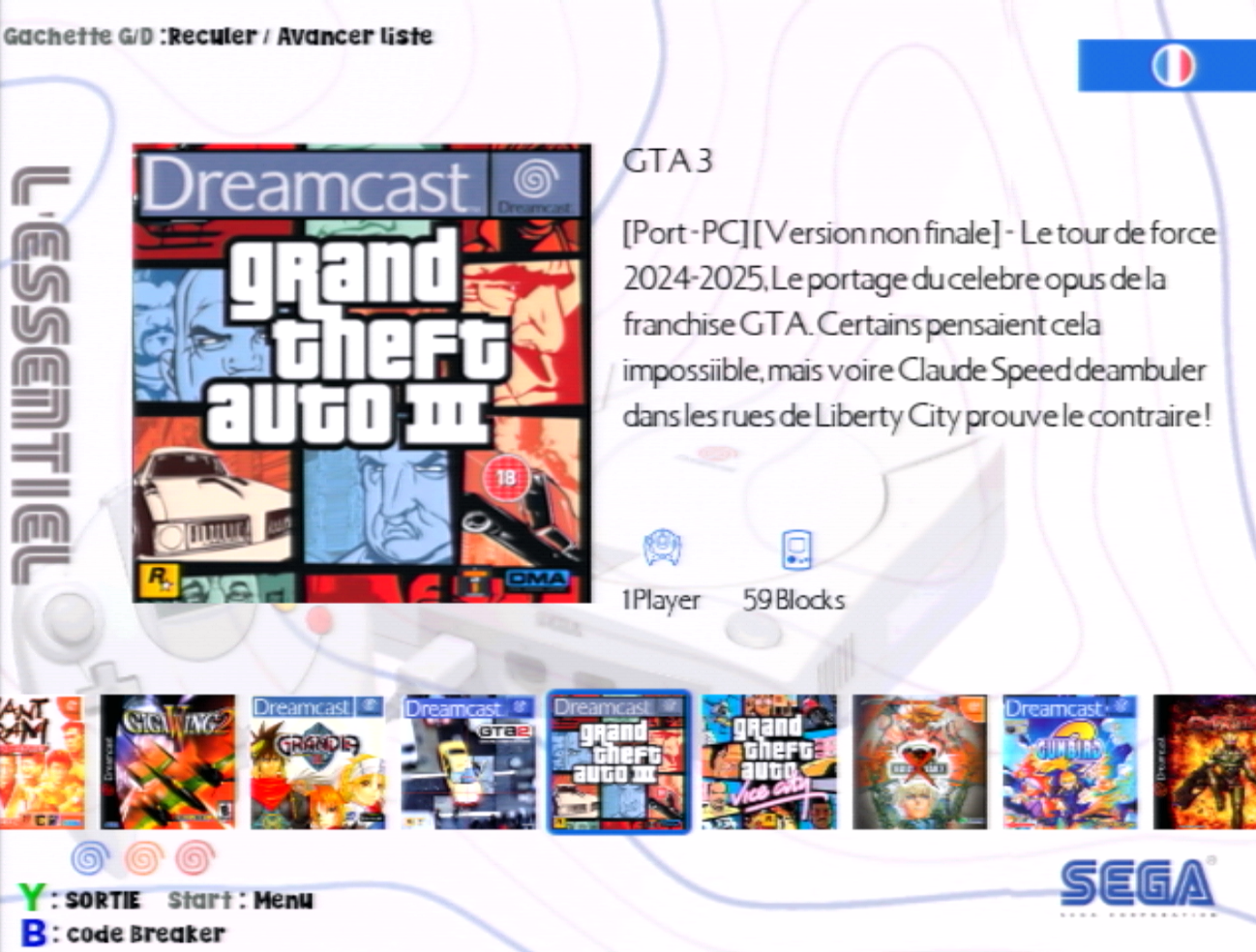
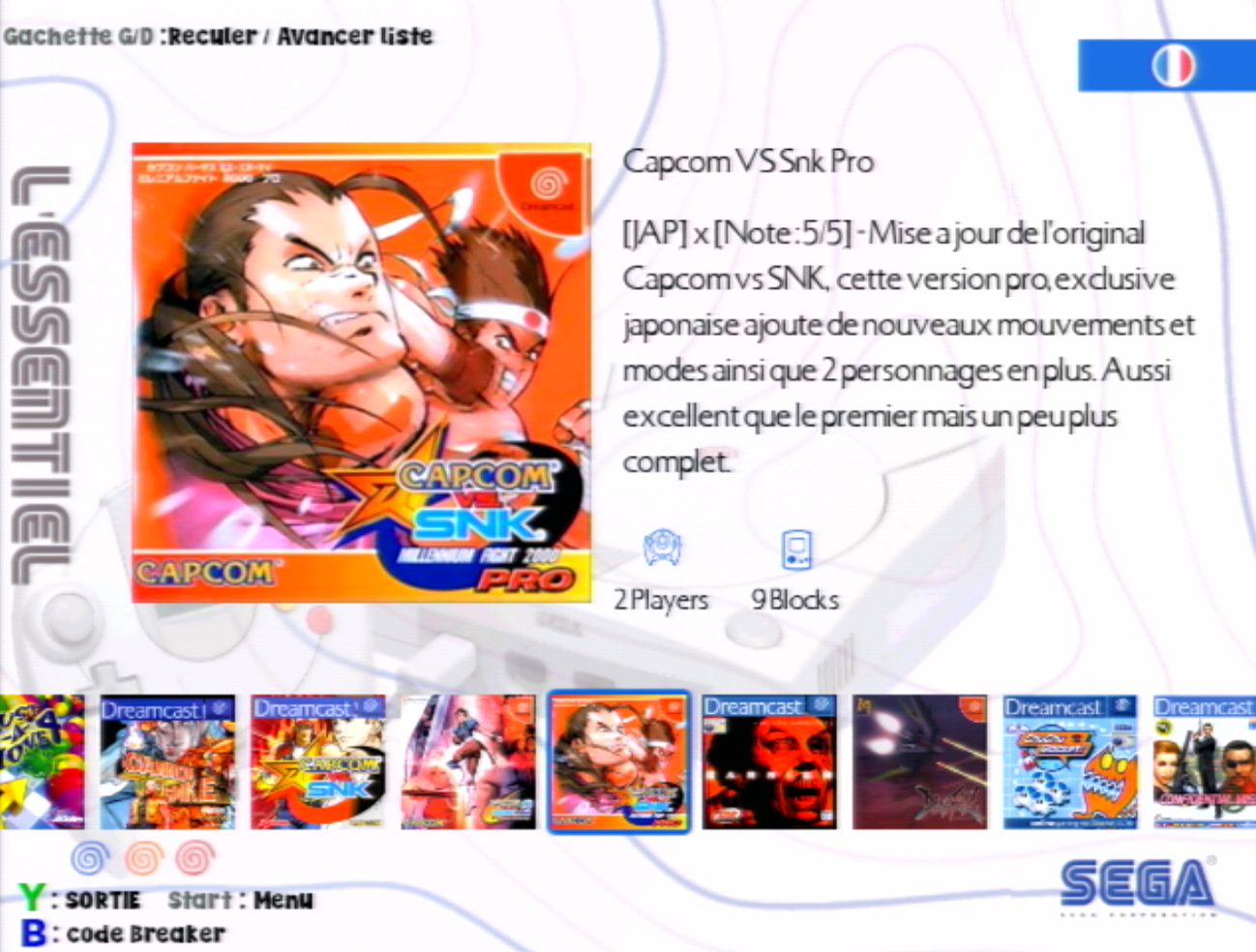
« Et voilà » the language has switched to French on your « Line Desc » theme.
To switch to English, the process is the same. Except that you need to go to the [ENG]_01 folder within the last Language change_folder 01 folder.

You will therefore need to select everything in this folder, do a Ctrl-c, then paste this content into the very first folder (01) of the root of the Big Set as seen previously for switching to French.
This is simply how we switch the compilation language from French to English and vice versa.
Thank you :)






















Laisser un commentaire