
OpenMenu is currently one of the most popular menus on GDemu, which is understandable; it’s prettier and more modern than our illustrious, aging GDmenu. The only problem with OpenMenu is for fussy gamers like me.
Who, when installing games on their SD card, has never encountered missing visuals, covers that don’t match the game version, and why the descriptions look like laundry detergent ads? Is this game really good or just okay? How many blocks do I need for this game? Is this game in English, Japanese, Bengali? Why should I settle for that? I want all the covers! The game descriptions with their strengths and weaknesses! I want something classy for my modded Dreamcast! Revolution! Yeah, okay… I might be exaggerating a bit.

All this annoyed me, just to avoid writing vulgarly, and so I said to myself: « Okay, since that’s how it is, I’ll do it myself! » So I delved into the innards of the machine originally created by the brilliant Hayden Kowalchuk, aka MrNeo24.
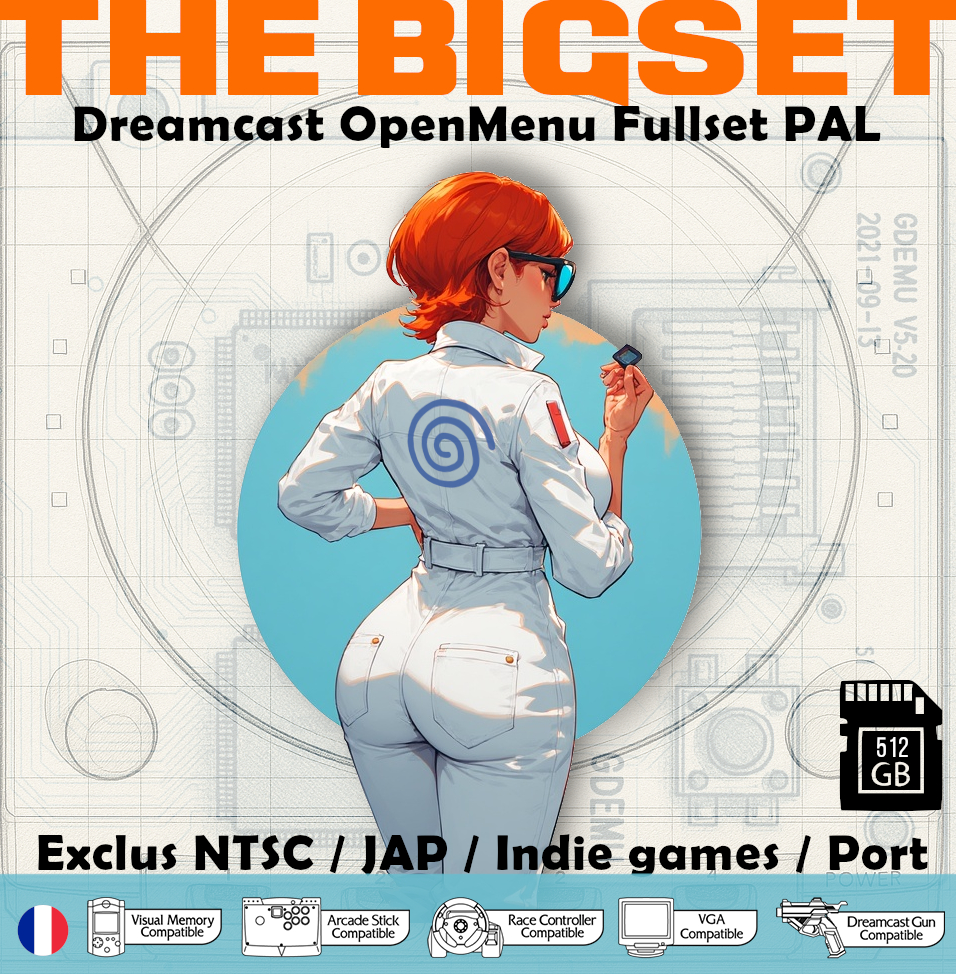
And here’s why I created this little blog: You humbly offer a Best-Set, or rather a sort of compilation, not of the best titles, but rather a selection of various games illustrating the Dreamcast in its entirety, all under openMenu, and with all the game covers! Que S’appellorio: The Essentials
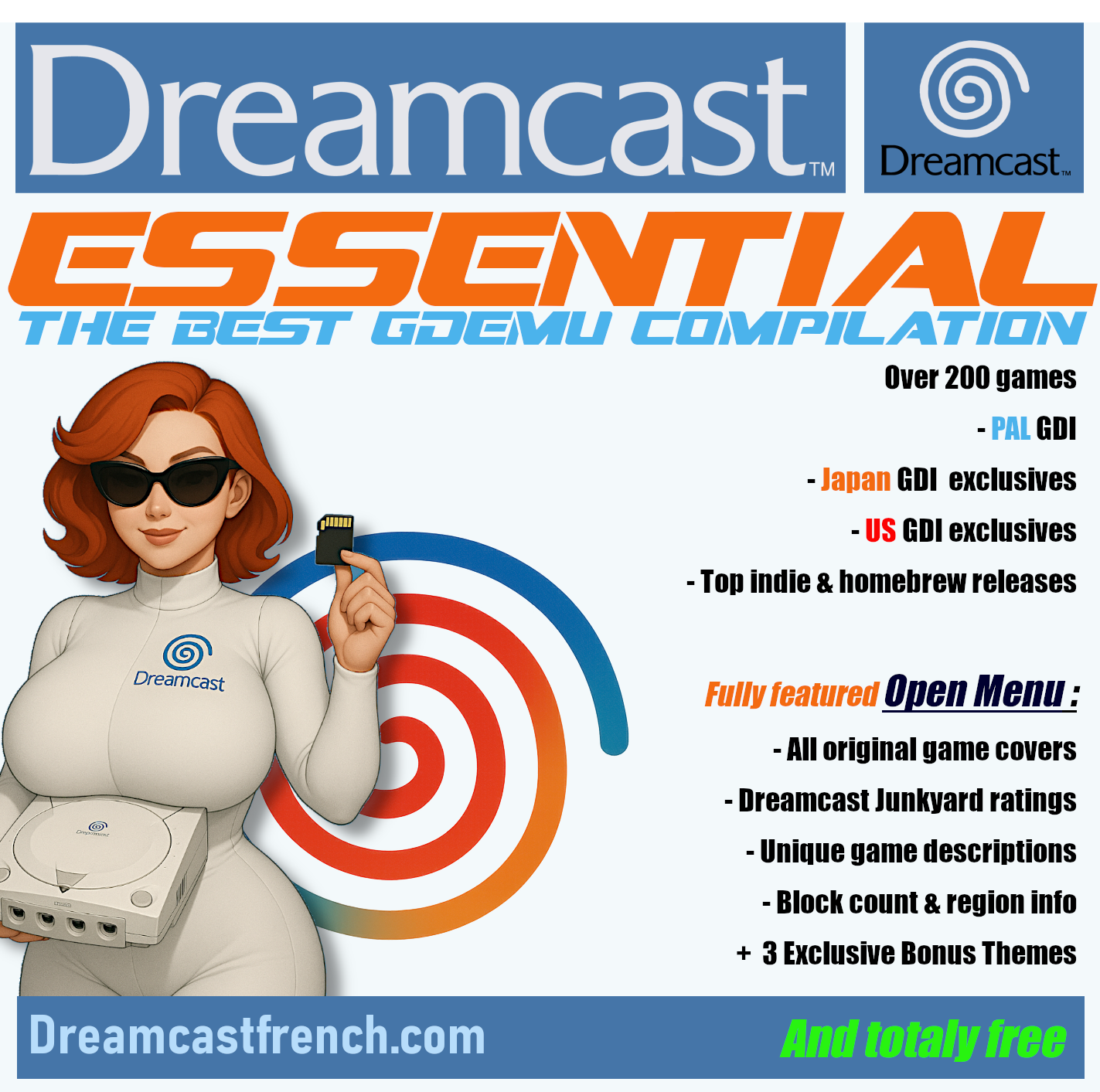
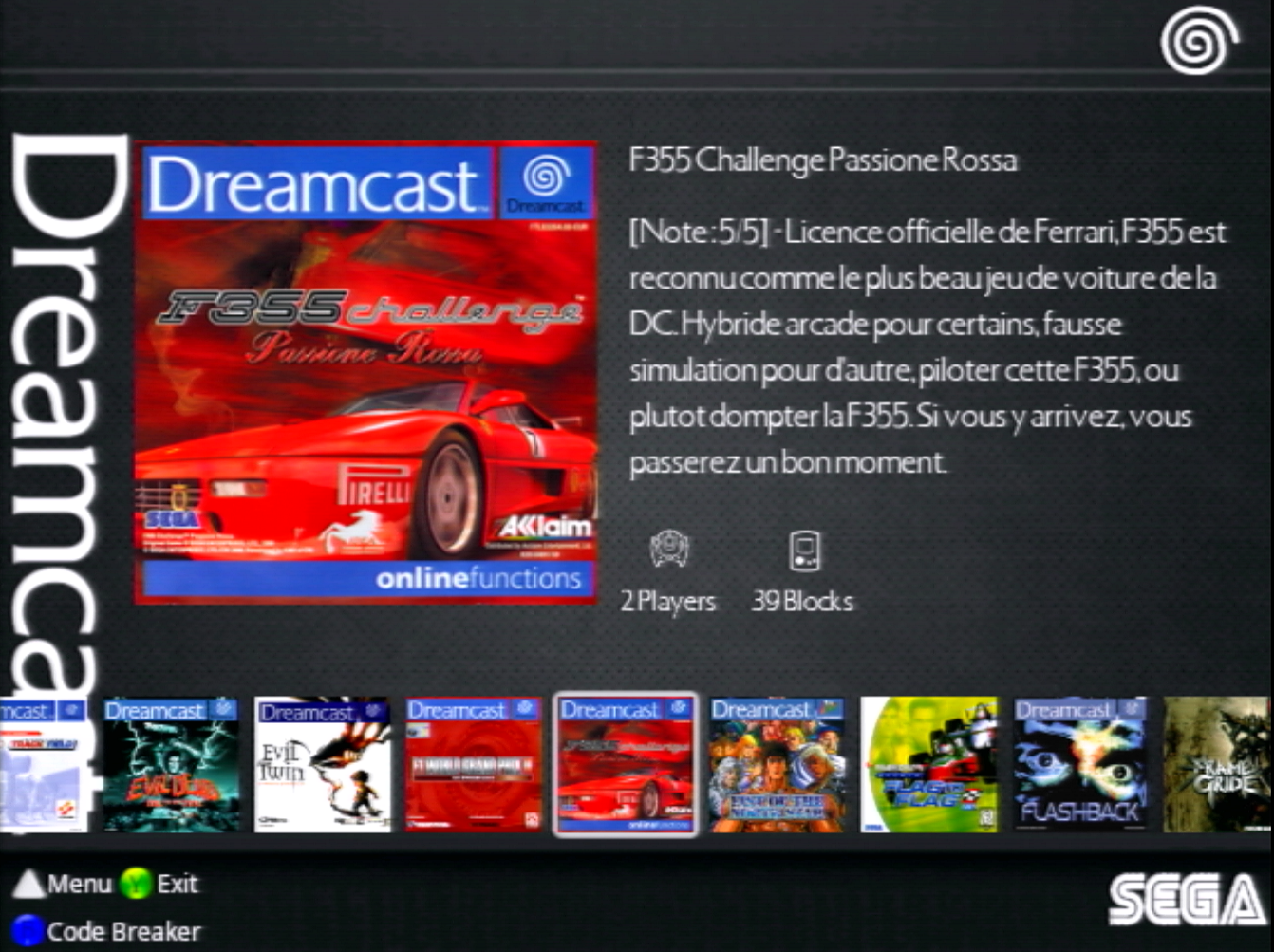
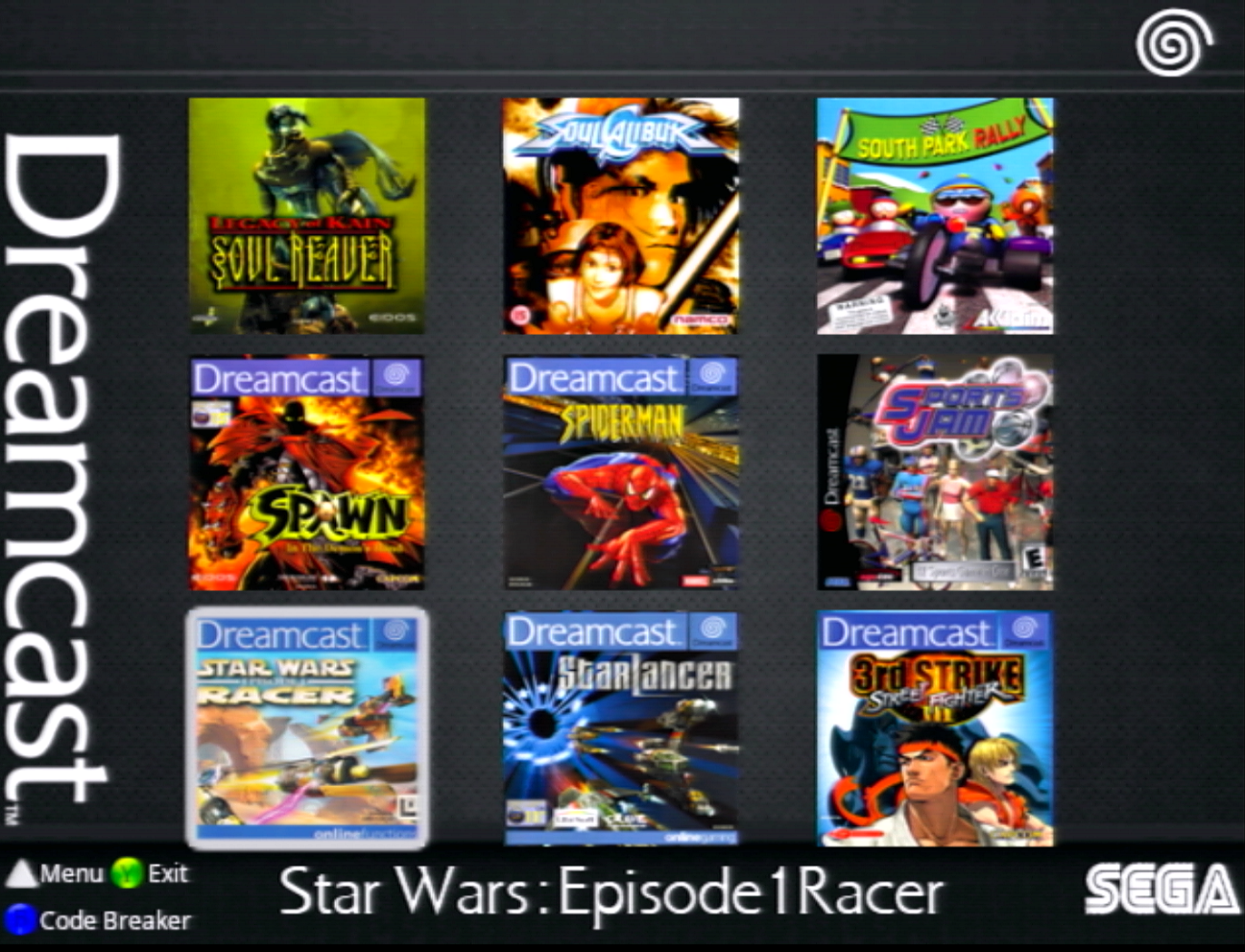
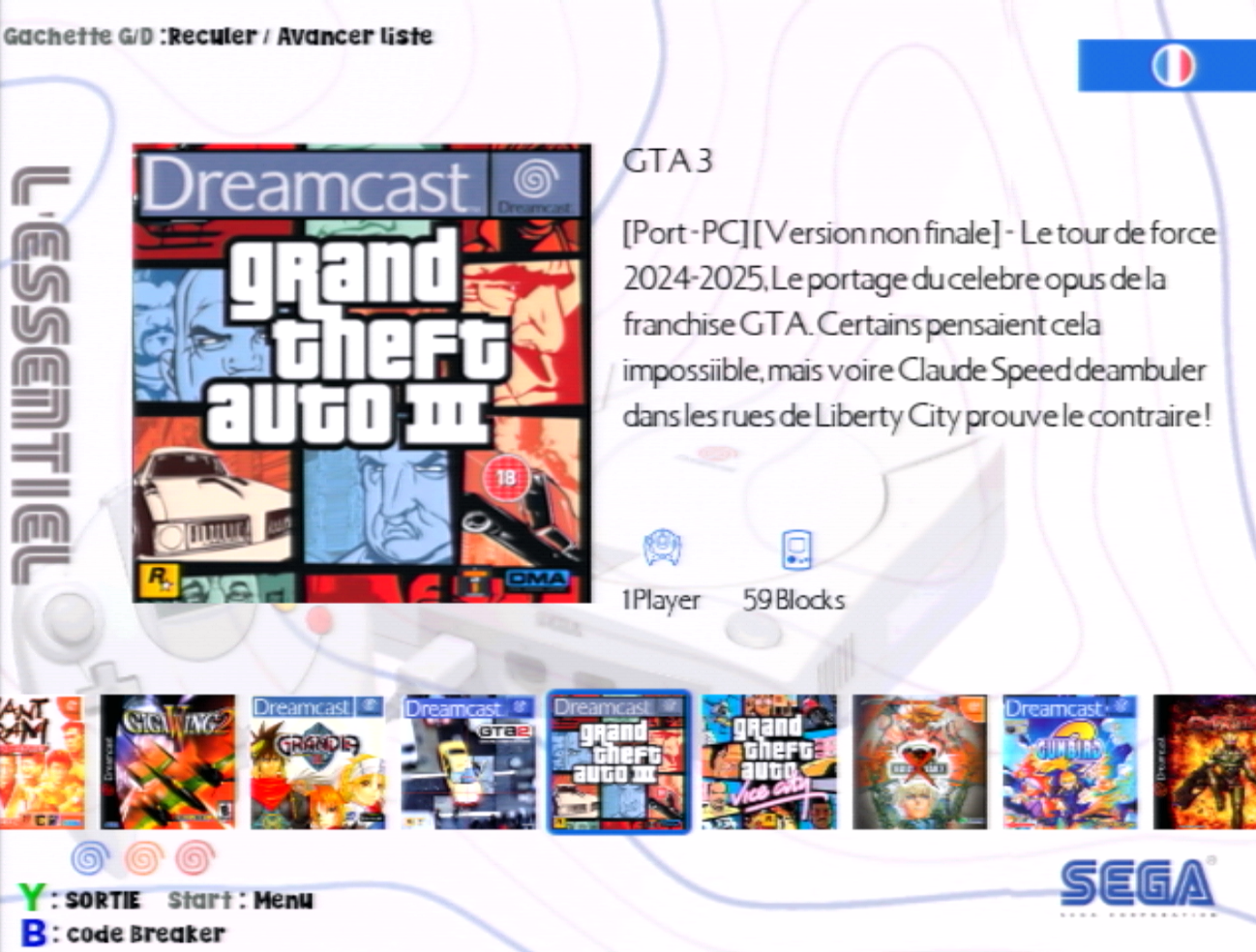
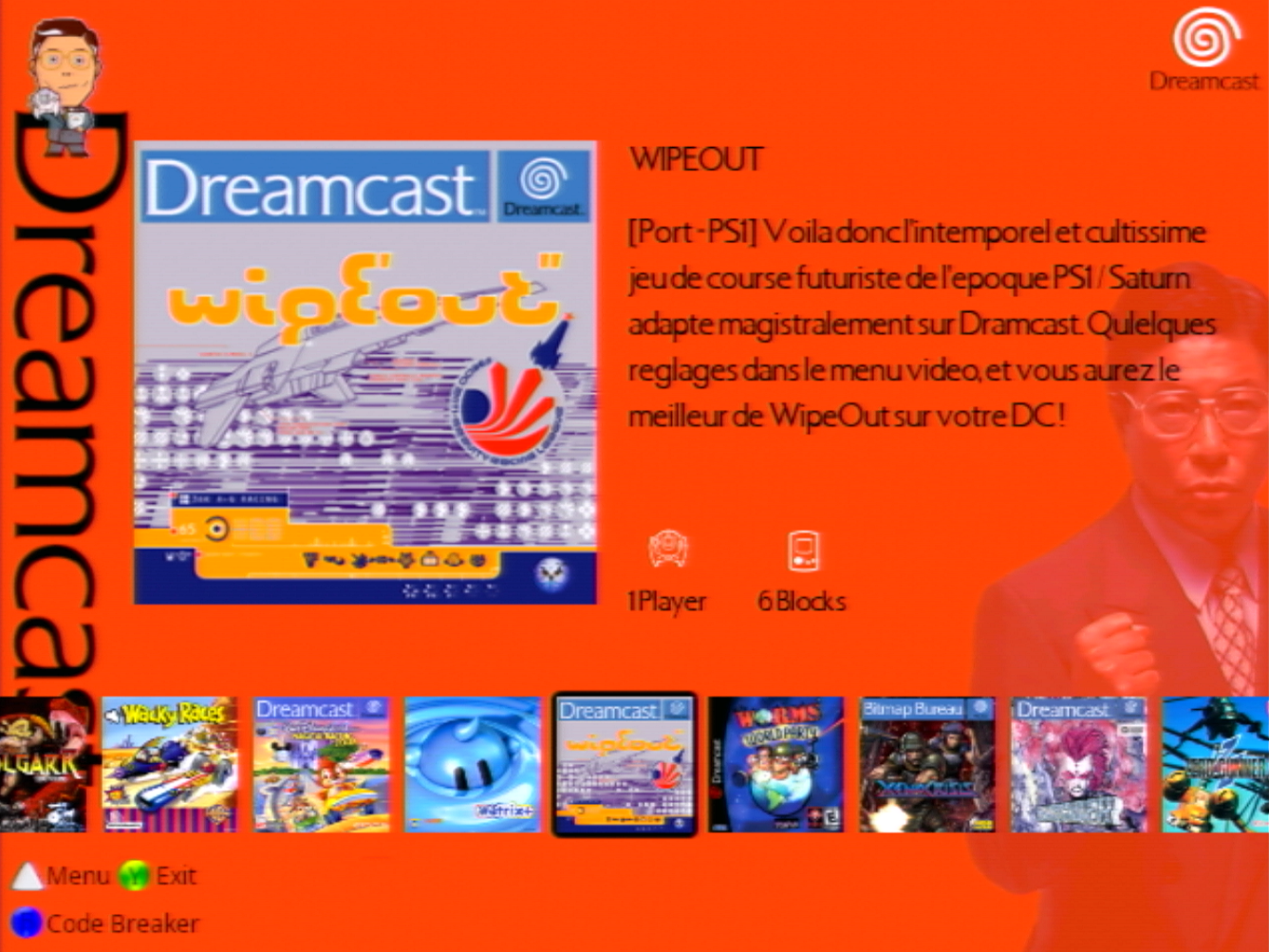
Once you have installed all this little world on your SD card, previously formatted in FAT-32 (that’s important), and the magic has worked, you will have the pleasure, when turning on your Dreamcast, of a complete menu with:
- All the Covers (of the games included on the SD card, of course…)
- A quick original description of the games, not some old ads
- At the top of the paragraph, a rating, for example: « [RATING 4/5] » which corresponds to the average rating of the game in question. Rating awarded by the panel of readers of the DreamcastJunkyard website, which is, in my opinion, the main online player regarding the Dreamcast today (along with DreamcastTalk, but which is more of a forum).
- The origin of the game, its type. Although the Set List is in PAL, I also included Japanese and American exclusives, but also Atomiswaves games, as well as the best Indie games that you can obviously buy later. That’s not an option, buy them!
- The number of blocks required for each game.
- The maximum number of players for each game.
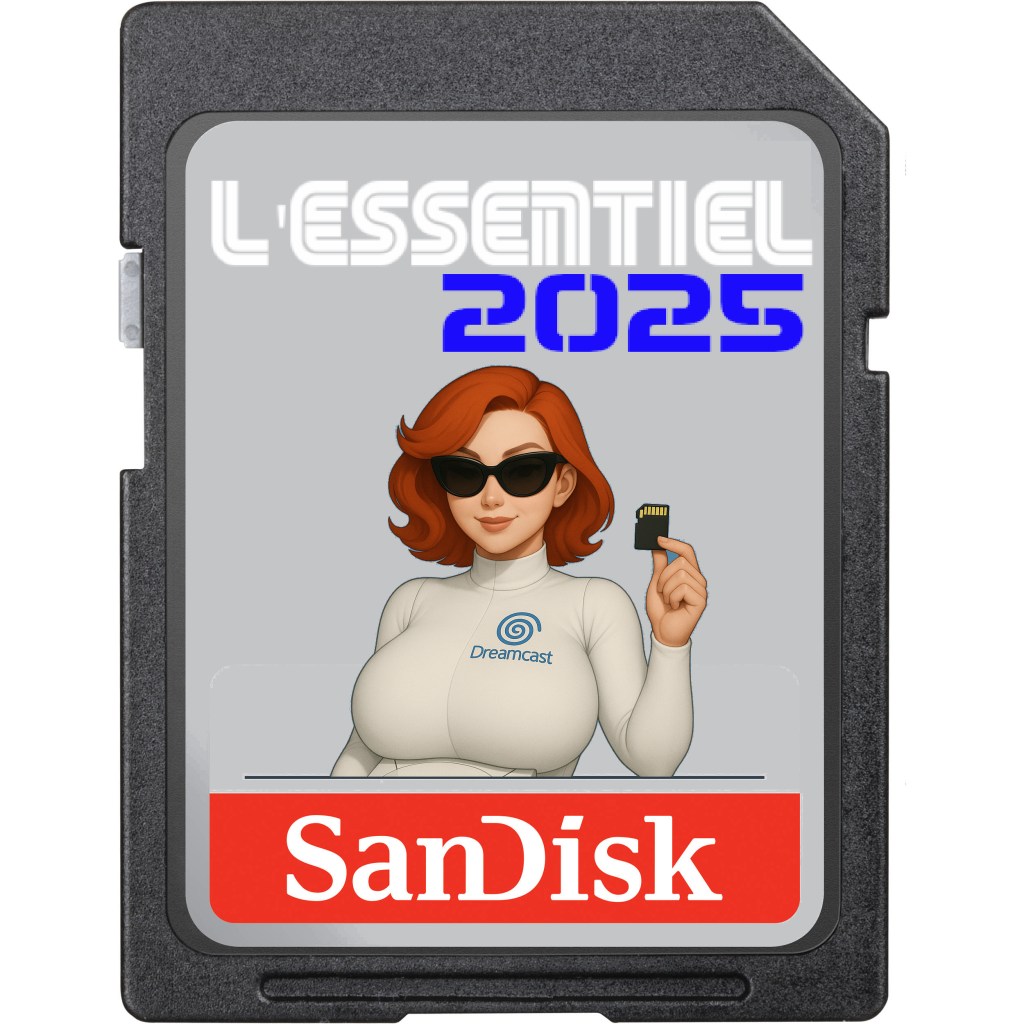
- A special theme for the dedicated SD card: « The Essentials » but in french ahah



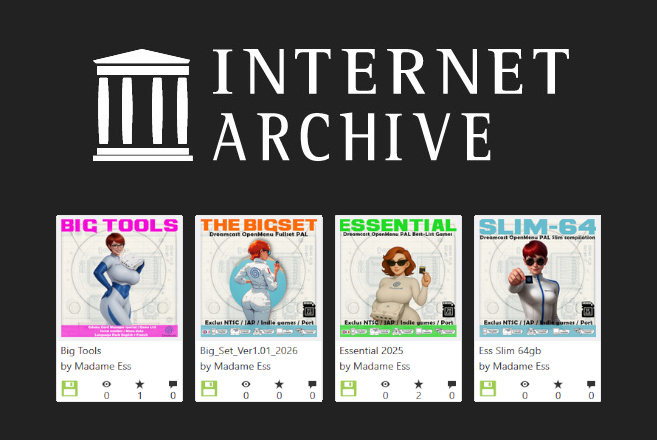
Now the blah blah blah is over. Under the link a little further down, you’ll simply find the Set List (compressed) to transfer directly to your SD card. You will also find all the available downloads in the small « English version » tab in the Download section, on the site’s home page, don’t hesitate to go and have a look.
It includes the first folder specific to OpenMenu, the .ini file for GDEMU settings, and therefore all the games.
WARNING: Your SD card must be formatted in FAT-32 and be larger than 128GB… Yeah, size matters, sorry.
See you later!


 Dreamcast French
Laisser un commentaire